
Customer Knowledge Base
SIM Overview
What role/s can view this? All customer roles.
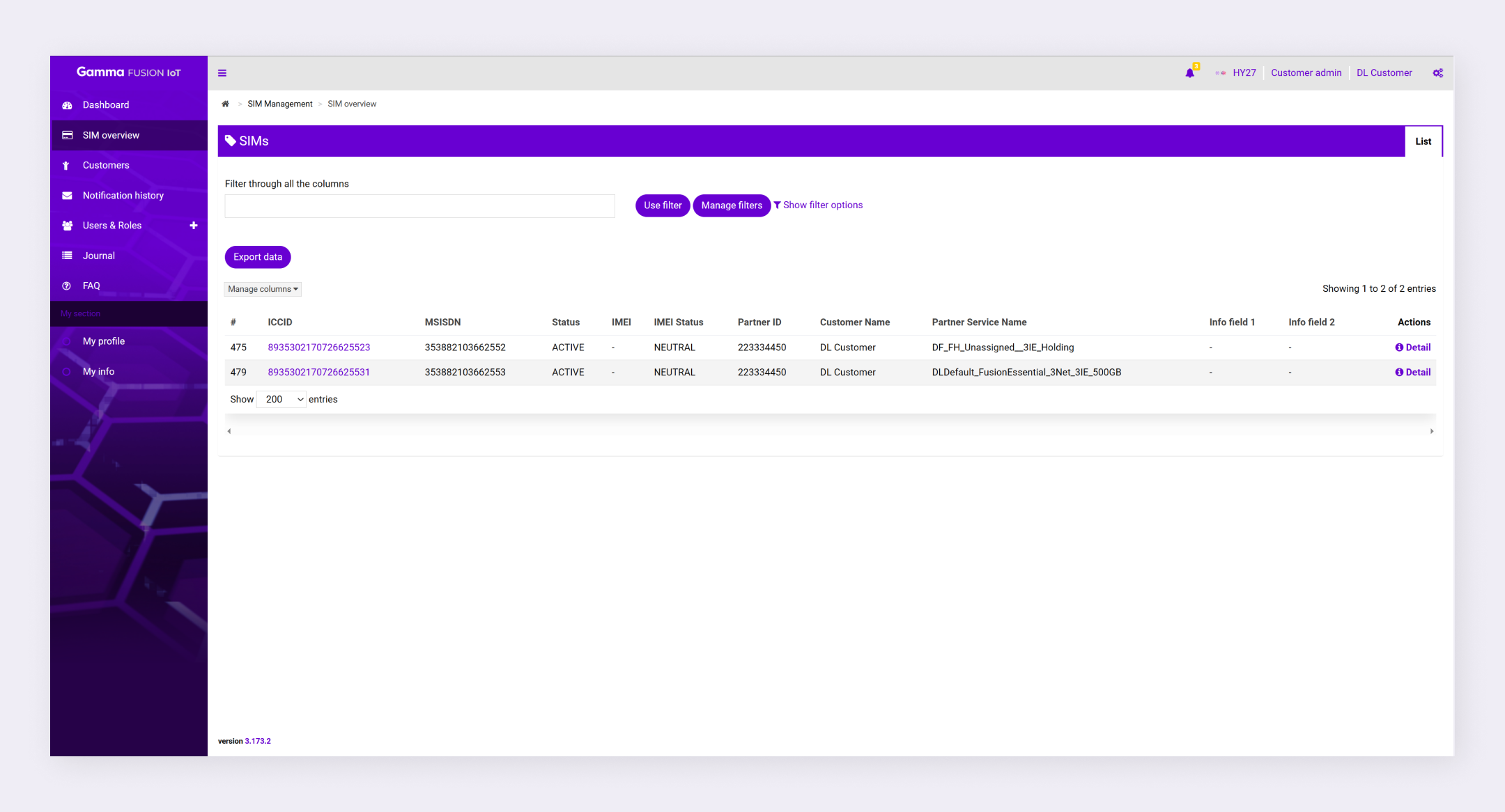
SIM overview is where you can view the SIMs that your service provider has assigned to your customer account. The SIMs will be listed in a table where you can view key information and learn more about individual SIM cards.
Access SIM overview #
- Log into the FUSION IoT Portal
- In the menu, select SIM overview
All SIMs display in the table.
SIM overview table #
The SIM overview table lists key information about your SIMs. You can customise the columns to tailor the view to your needs. See column management.
Some of the information shown in the SIM overview table includes:
- ICCID
- MSISDN
- Status
- IMEI
- IMEI status
- Partner ID
- Info fields
The last column is the Actions column. Customers can click Detail in this column to view more information about a specific SIM.
| Note: For help with the terminology used in the SIM overview, you can refer to the SIM overview Terms article. |