
Customer Knowledge Base
Notification history
What role/s can do this? Customer admin
Customer admins can track notification history which lists every notification that is triggered in the portal. This enables you view the notification that was sent, when it was sent, and the recipient.
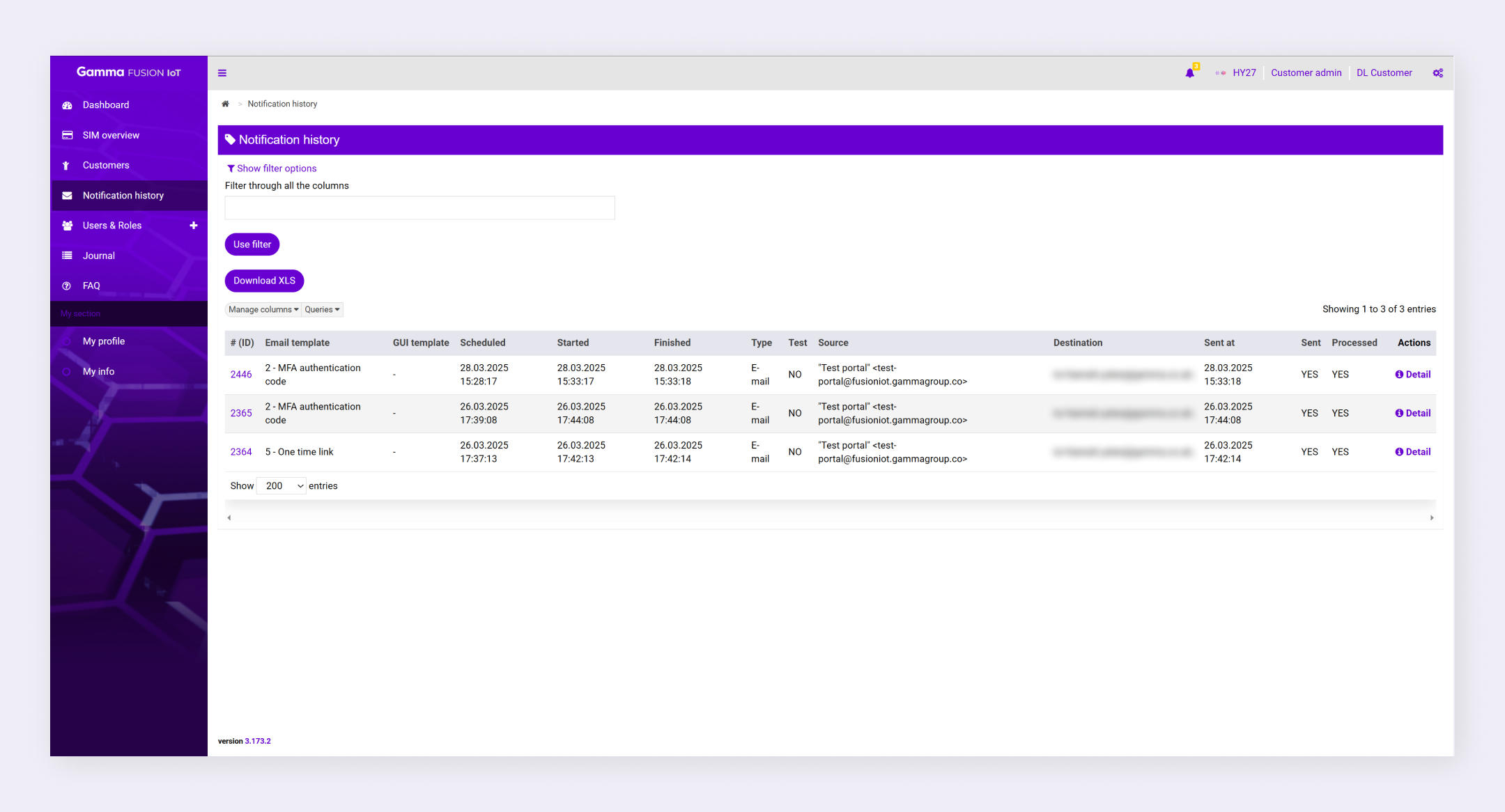
View notification history #
You can view notification history by navigating to Notification history in the menu. From here, a table lists every notification that has been sent across your customer account.
You can also view notification history within customer details by selecting the Notification history tab.
| Note: Notifications can be resent. See view notification details for more information. |
Filter notifications #
You can add filters to make it easier to find specific notifications.
- Navigate to Notification history
- Expand the Add filter dropdown
- If you can’t see the dropdown click Show filter options
- Select a filter option
- Configure the filter as desired
- Click Use filter
The filter applies to all notifications.
| Note: See Search and filters for more information. |