
Customer Knowledge Base
Logging in
Customers need to log into the customer portal to manage their services and support users. In order to access the system an account will be created by your service provider. Once the account is created you will receive an email with the following information:
- Link to login page
- Username
- Temporary password valid for 24 hours
| Note: It’s a good idea to bookmark a link to the online portal for easy access. |
How to log in for the first time: #
When logging in for the first time you need to verify your email address and set a new password with a minimum of 16 characters. You also need to enter a multi-factor authentication (MFA) code each time you log in which will be sent via email.
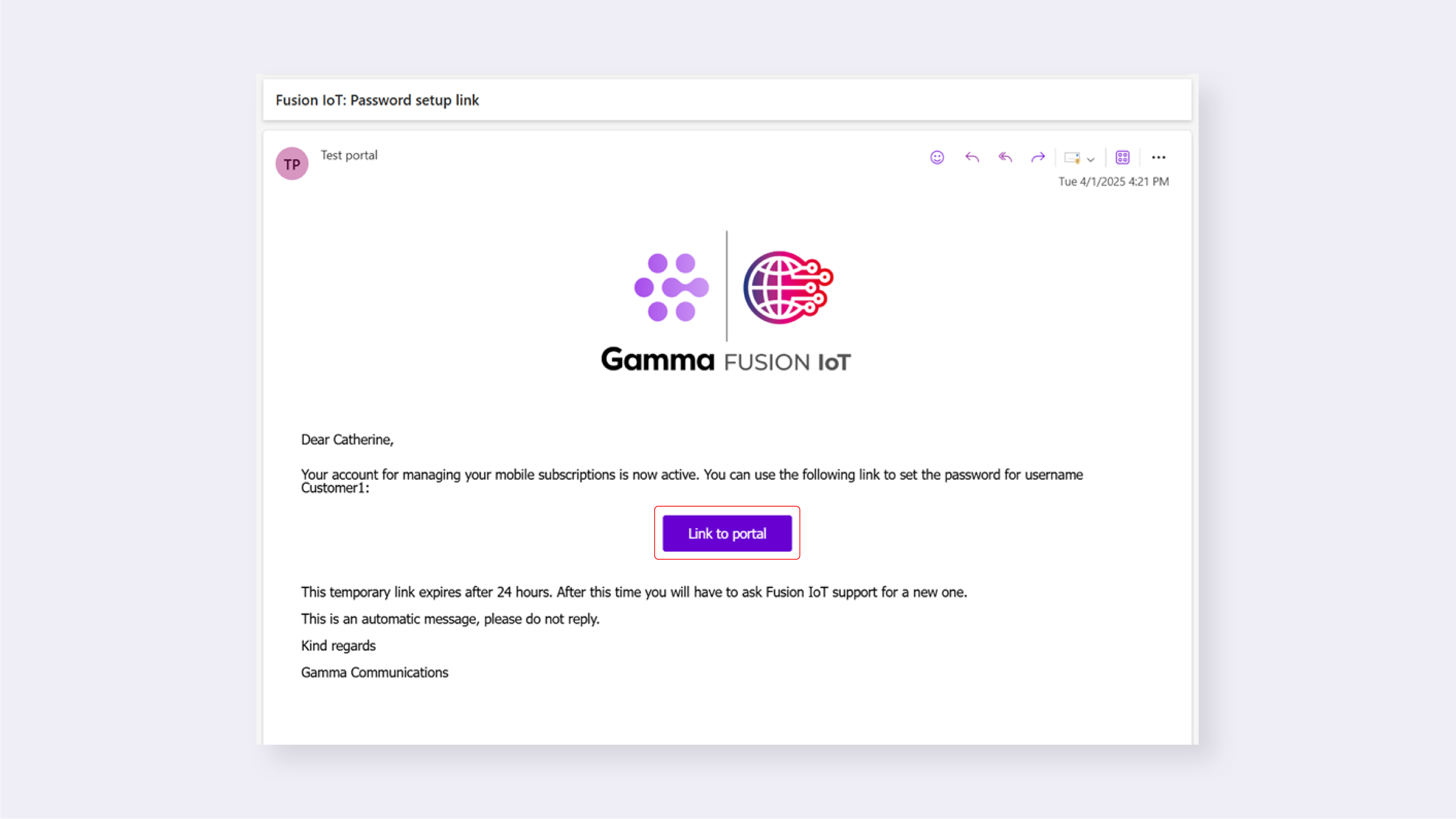 1. When you receive the Password setup link email, click Link to portal
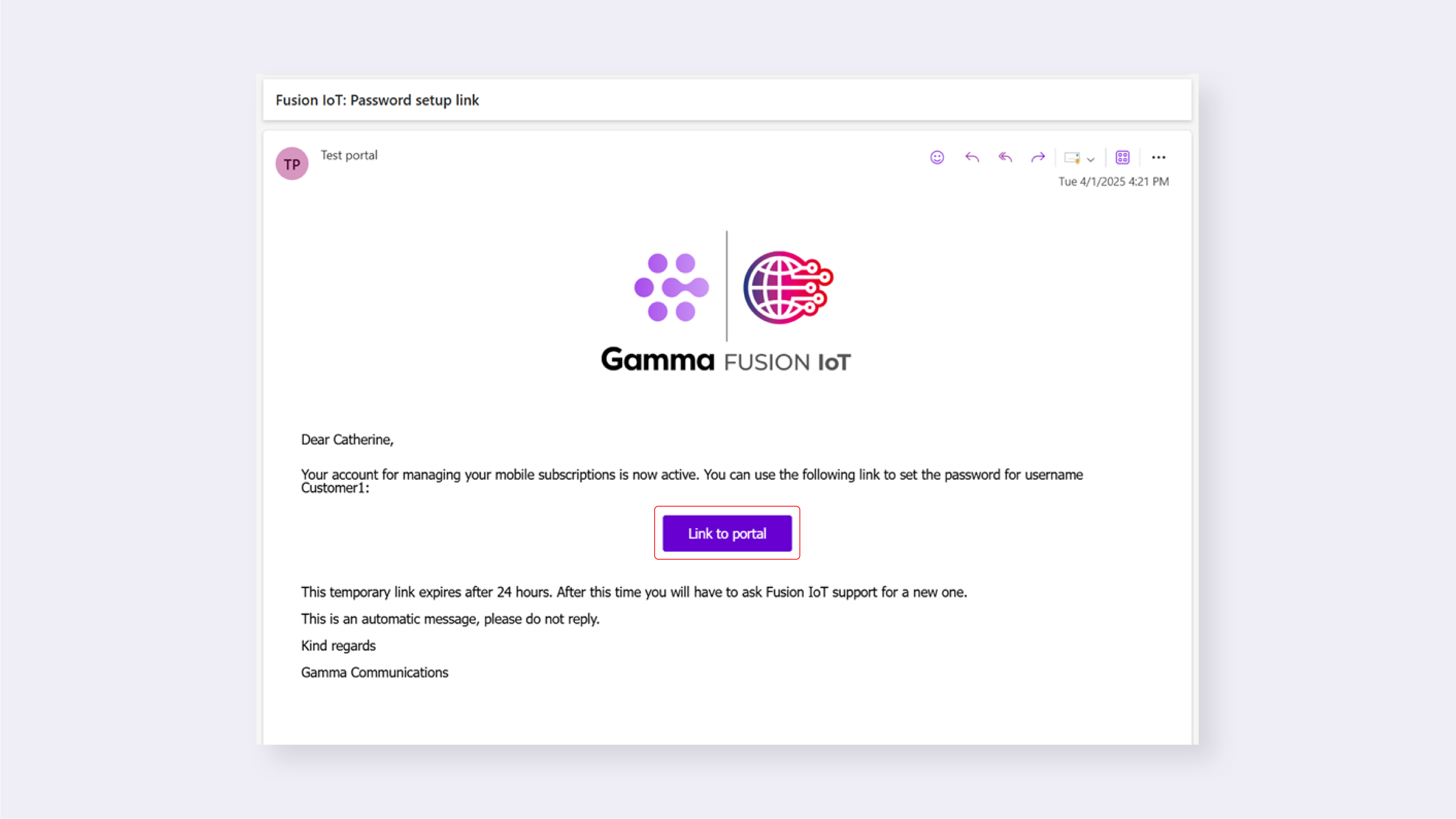
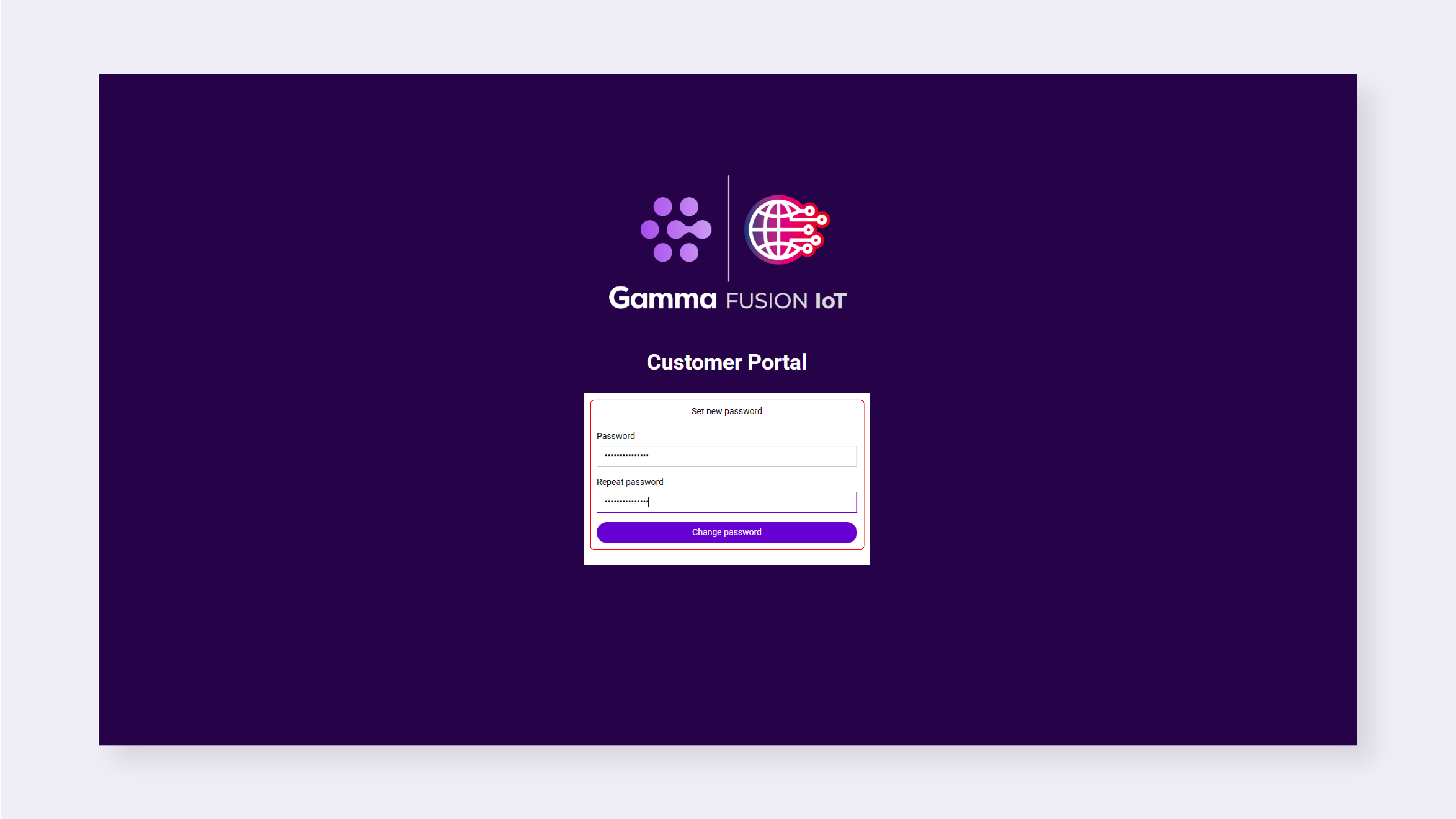
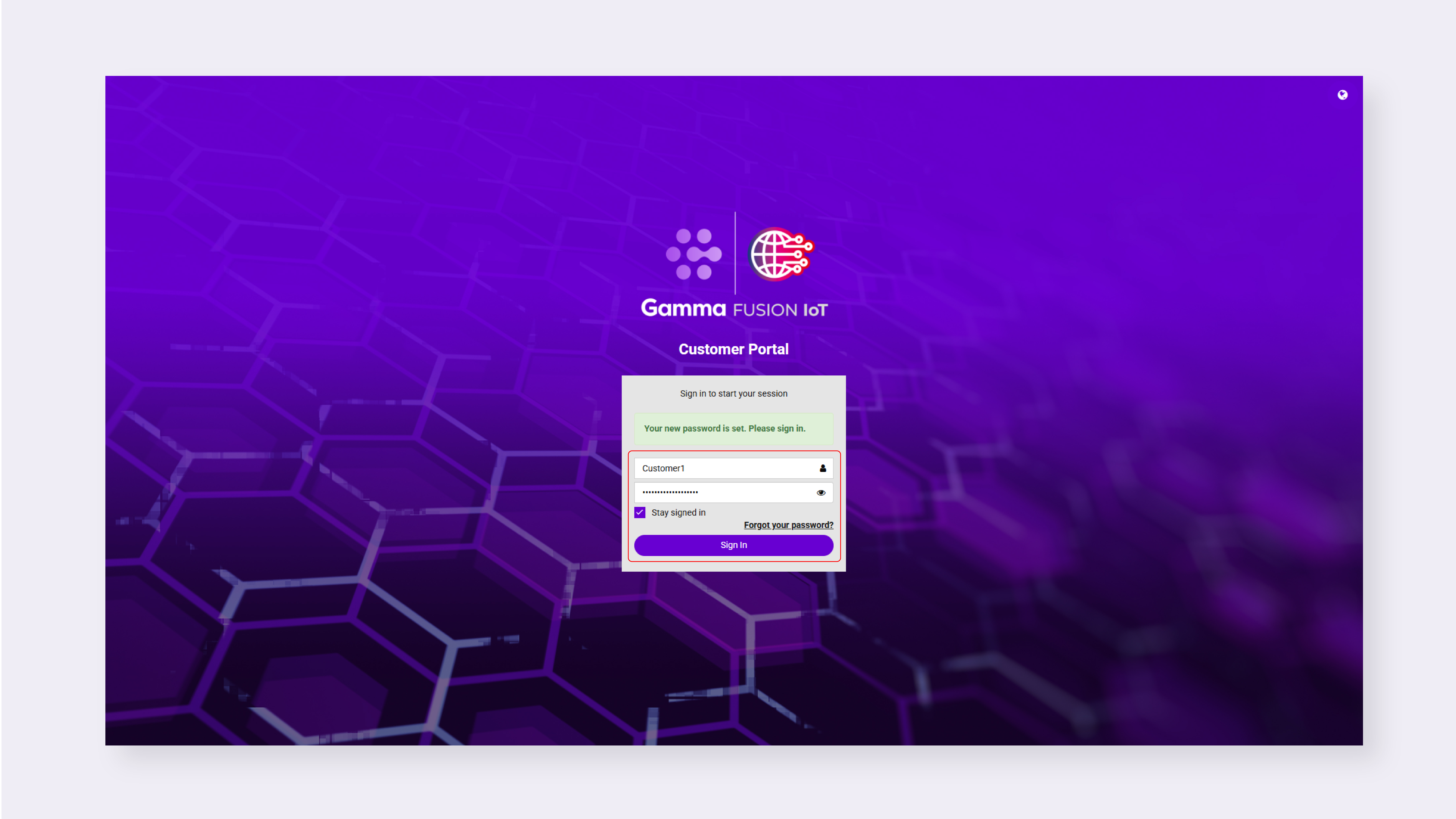
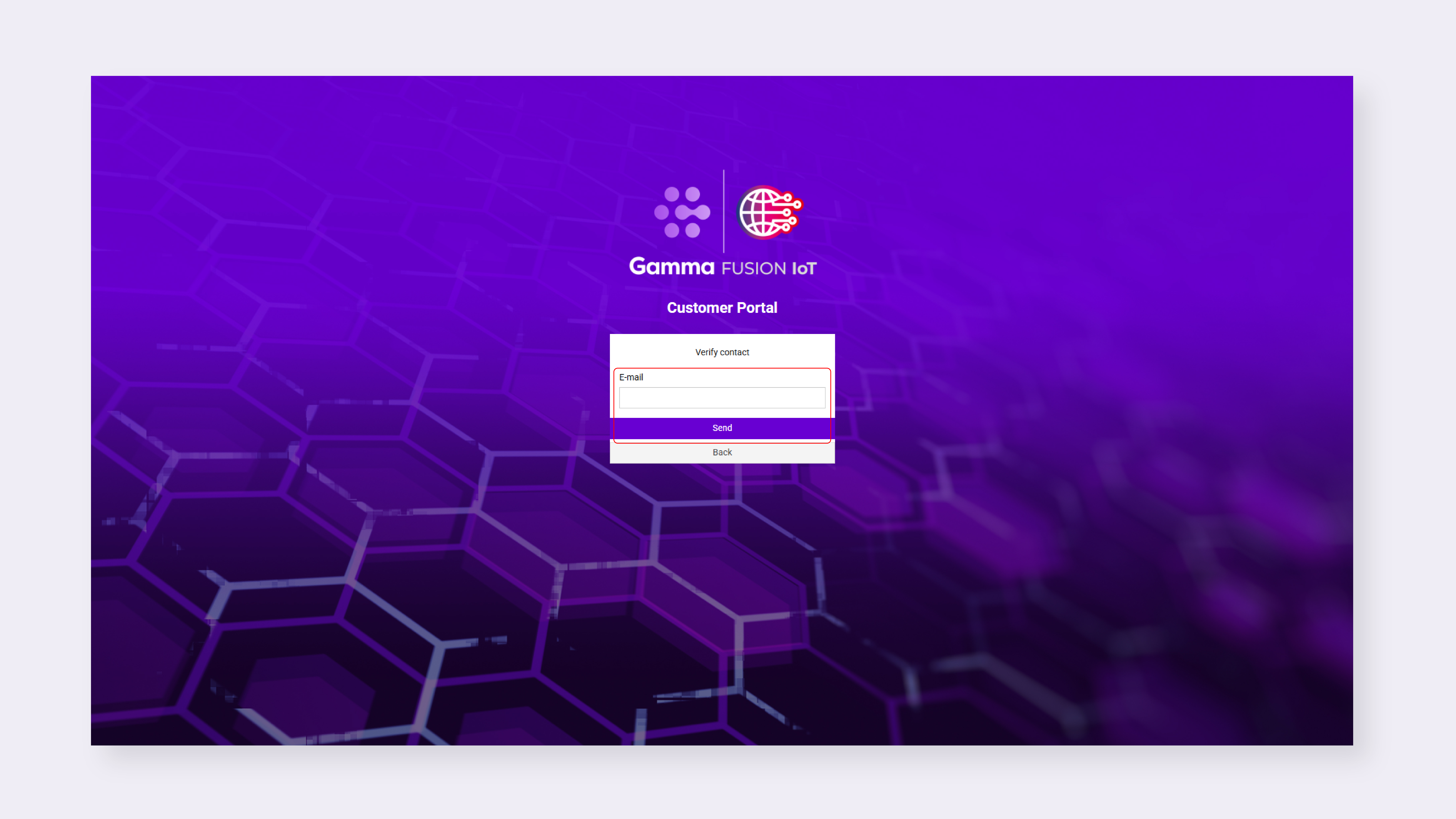
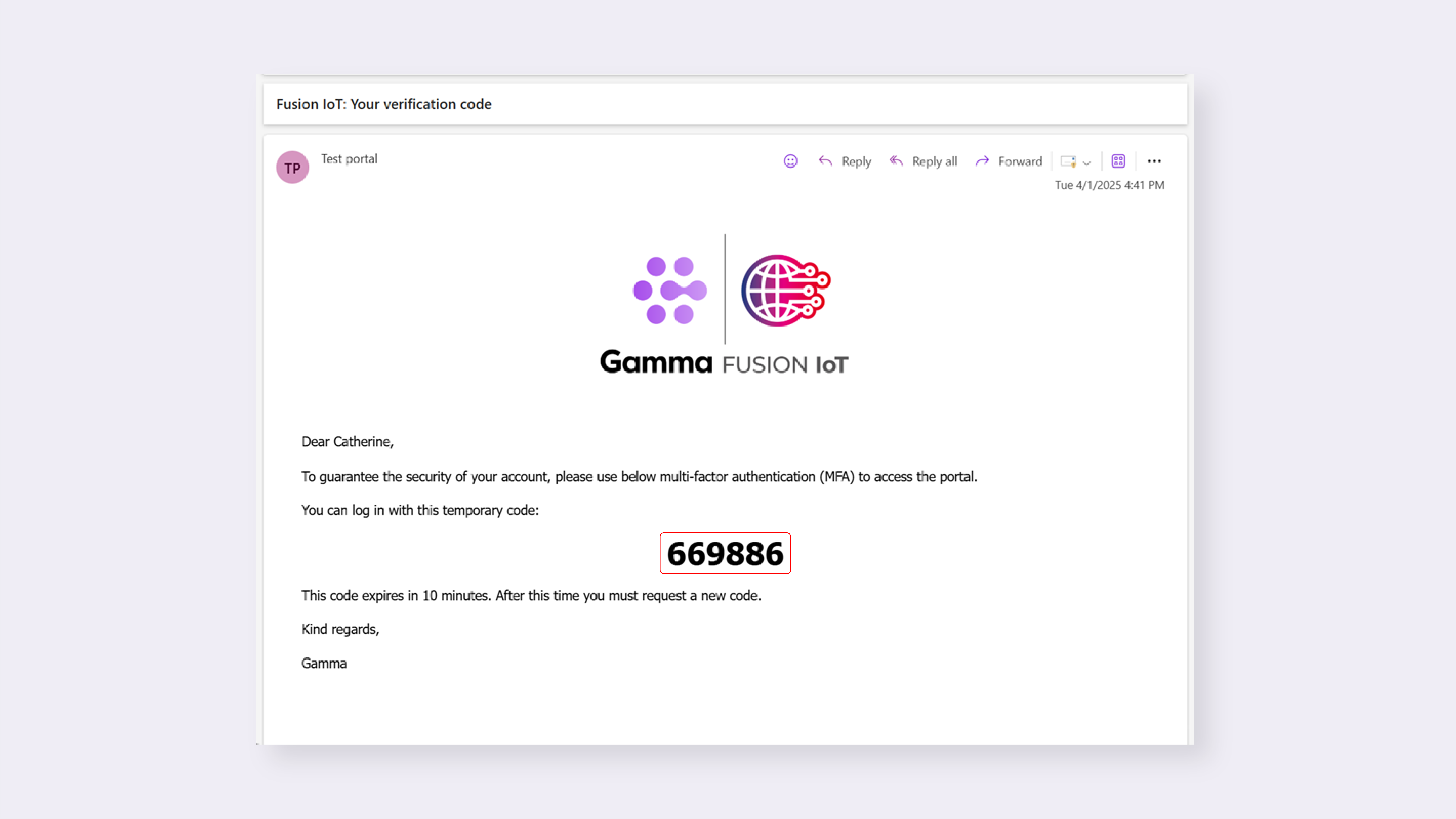
- Click the link within the email to access the online portal
- Enter the provided Username and Password
- To stay logged in for longer, tick Remember me
- Verify your account by re-entering your e-mail address
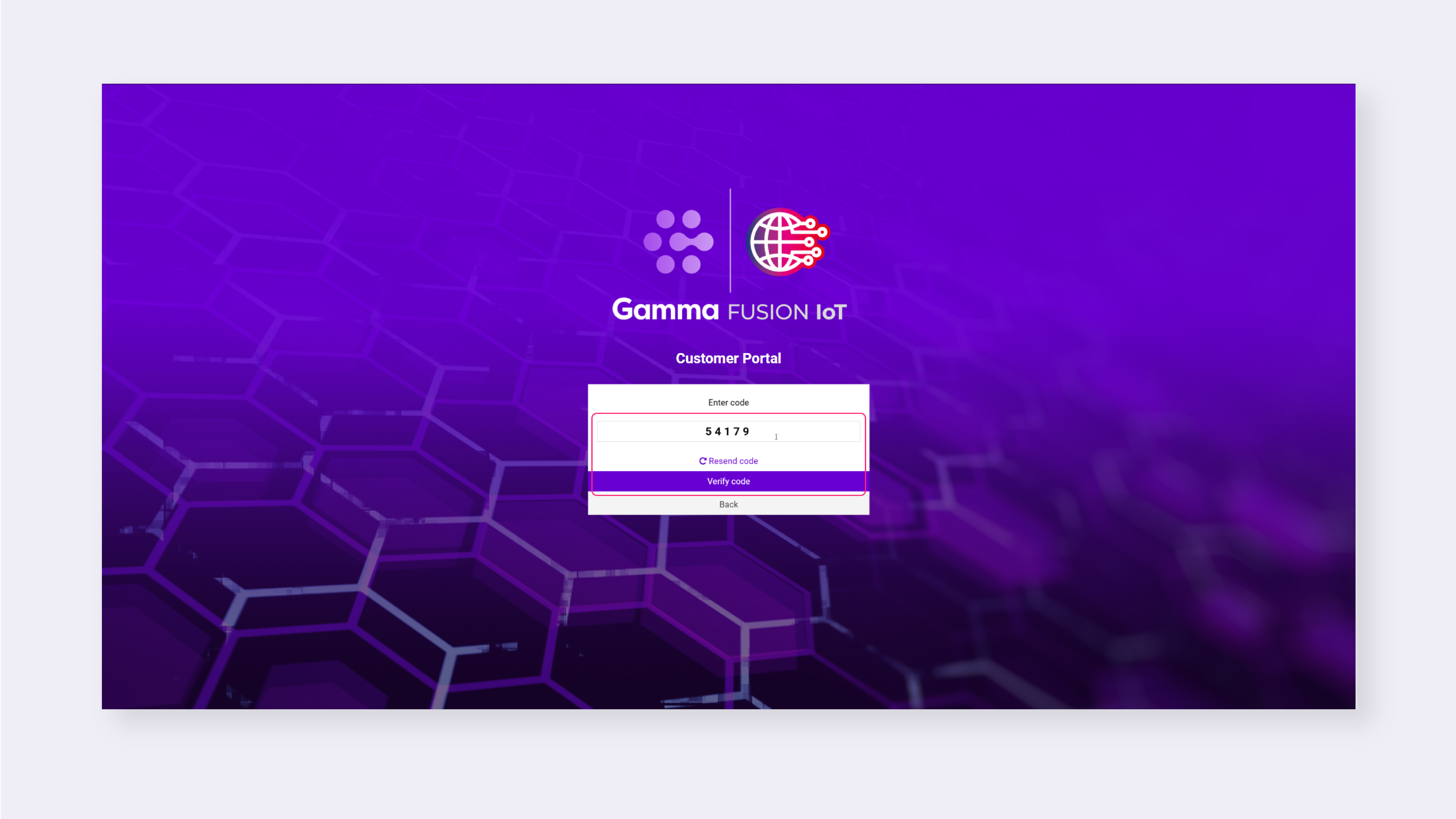
- Enter the MFA code sent via email
- The code is valid for 10 minutes, to request a new code by click Resend code
- Click Verify code
- Enter and confirm a new password
- Click Save password
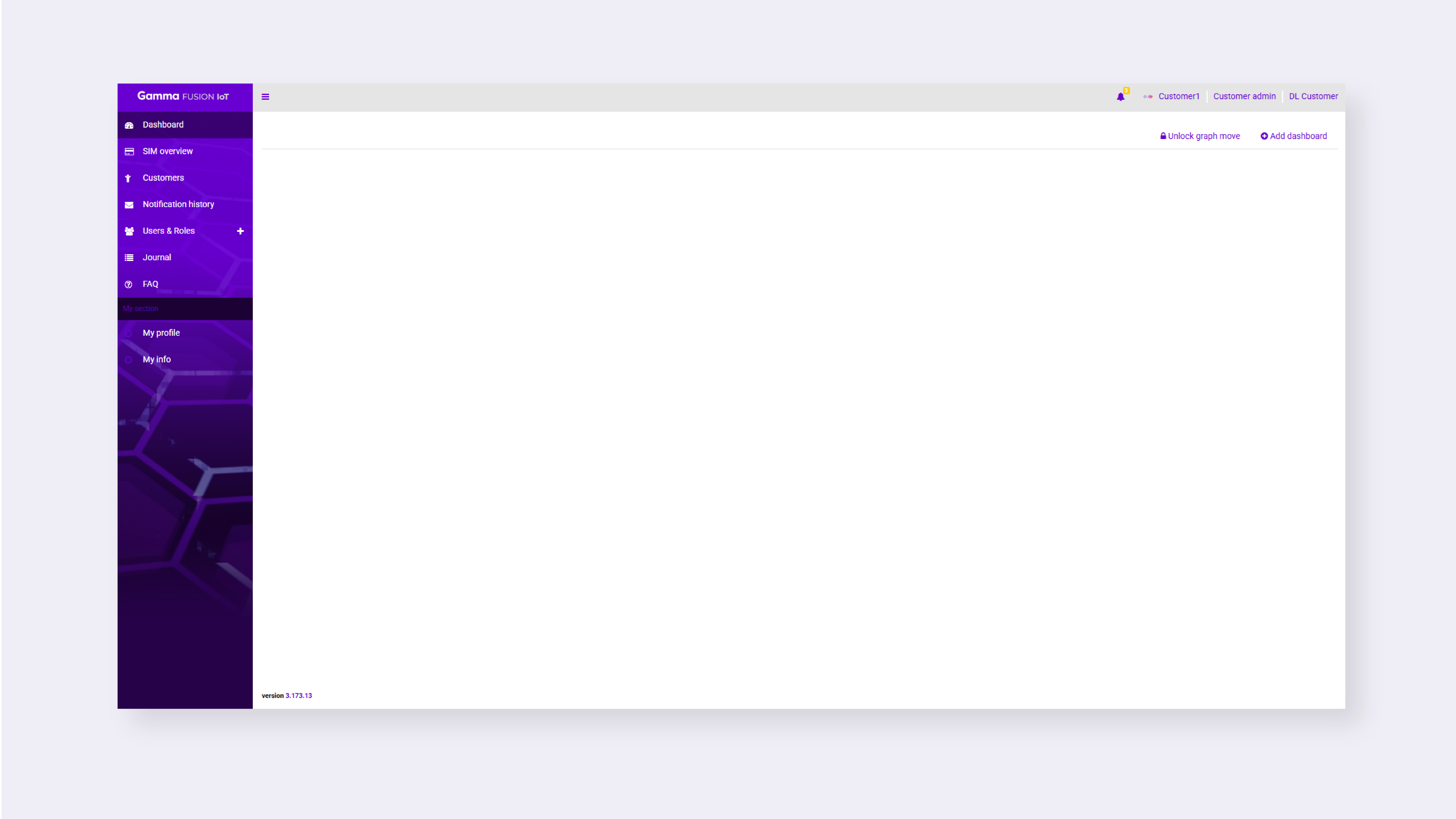
You will be logged into the online portal.
| Note: If you select Remember me your account will stay logged in for 30 days. If you don’t select Remember me you will be logged out after 30 minutes. |
Returning login #
After you have logged in for the first time the next time you need to log in will require your username and new password. You will also be required to enter an MFA code that is sent to your email.
Security timeouts #
To help keep the platform secure timeouts are in place when several incorrect password attempts take place:
- After 3 failed login attempts, the user will be locked out for 15 minutes
- After 6 failed login attempts, the user will be locked out for 2 hours
- Any subsequent failed attempts will also result in the user being locked out for 2 hours