
Customer Knowledge Base
View Users
What role/s can do this? Customer admin
Customer admins can view all users associated with the customer account in the Users & Roles area of the portal.
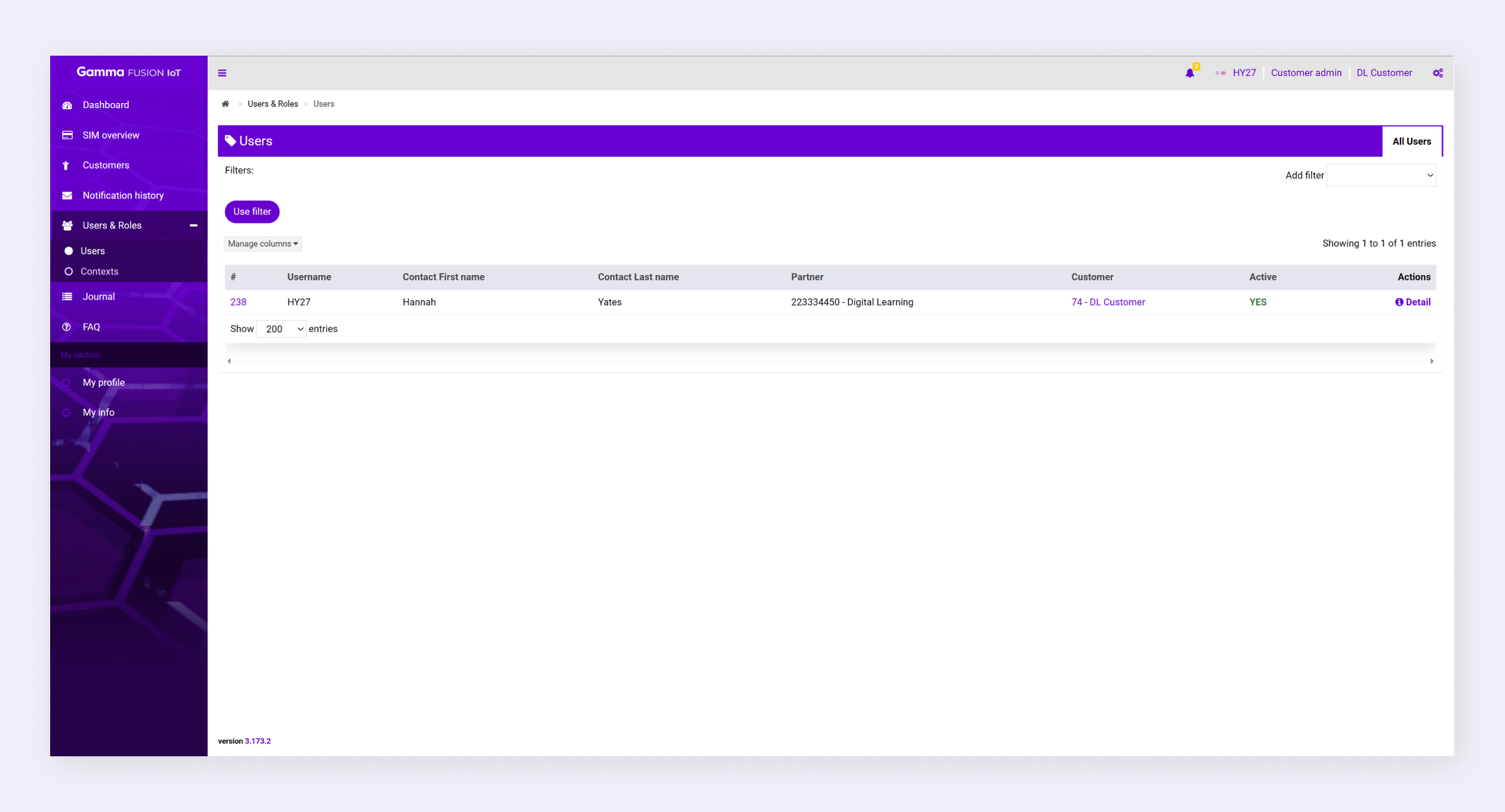
To view users, navigate to Users & Roles → Users.
View User Details #
You can view details about the user such as their assigned roles, their logs and their journal.
- Navigate to Users & Roles → Users
- Locate the relevant user
- Click Detail in the Actions column
The Info page displays with 3 additional tabs (Roles, Logs and Journal).
Filter users #
You can add filters to make it easier to find specific users.
- Navigate to Users & Roles → Users
- Expand the Add filter dropdown
- Select a filter option
- Configure the filter as desired
- Click Use filter
The filter applies to all users.
| Note: See Search and filters for more information. |